Redirect Manager: content moves. Keep people on the right path.
A page moves, a site is redesigned, or an old campaign link still brings visitors in. We built Redirect Manager to help Craft CMS teams send people to the right place. It creates redirects when entry URLs change, shows which broken links need attention, and gives teams tools to review, import and back up their redirect rules.
01In use

Review redirect rules, status and usage inside Craft. 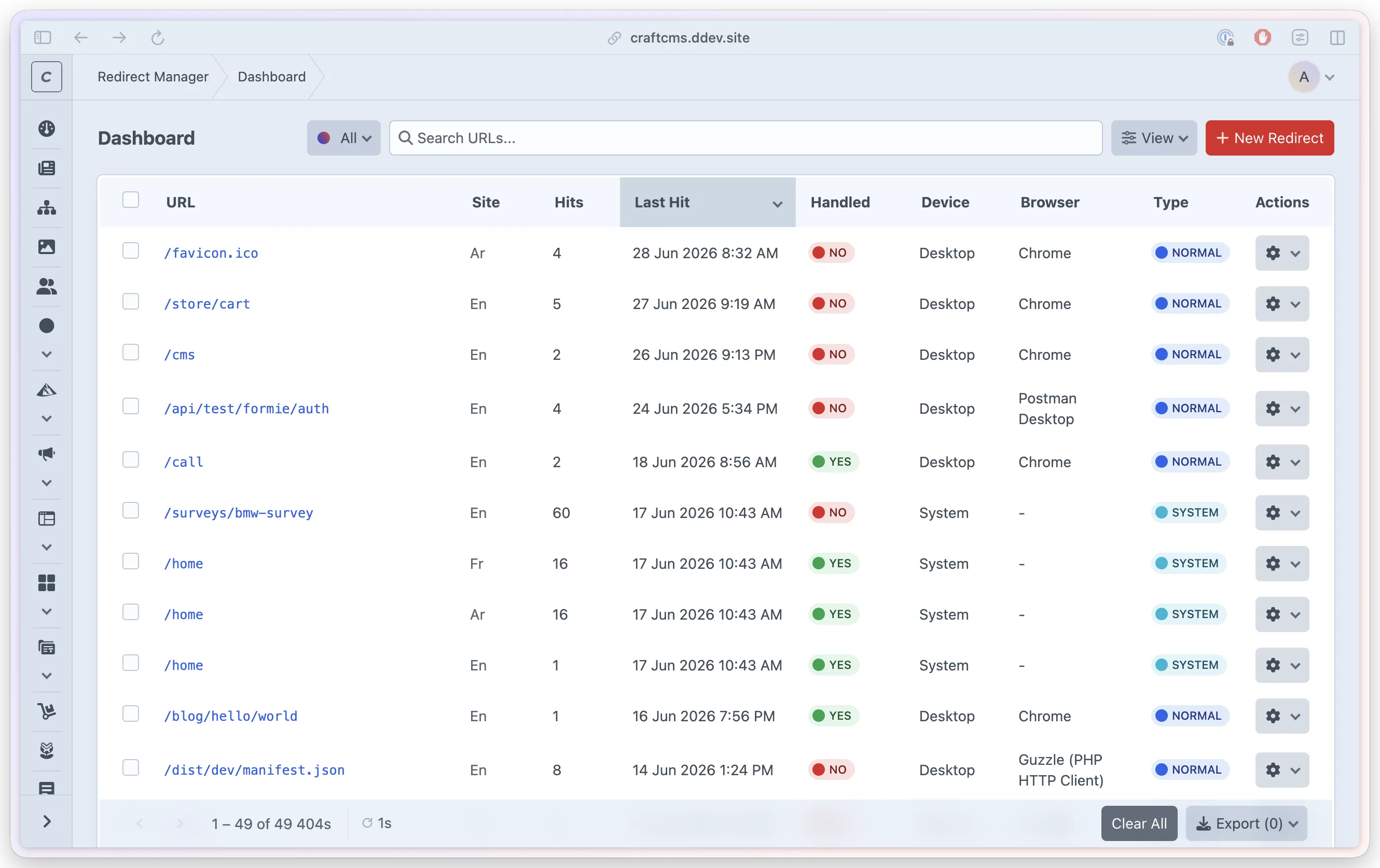
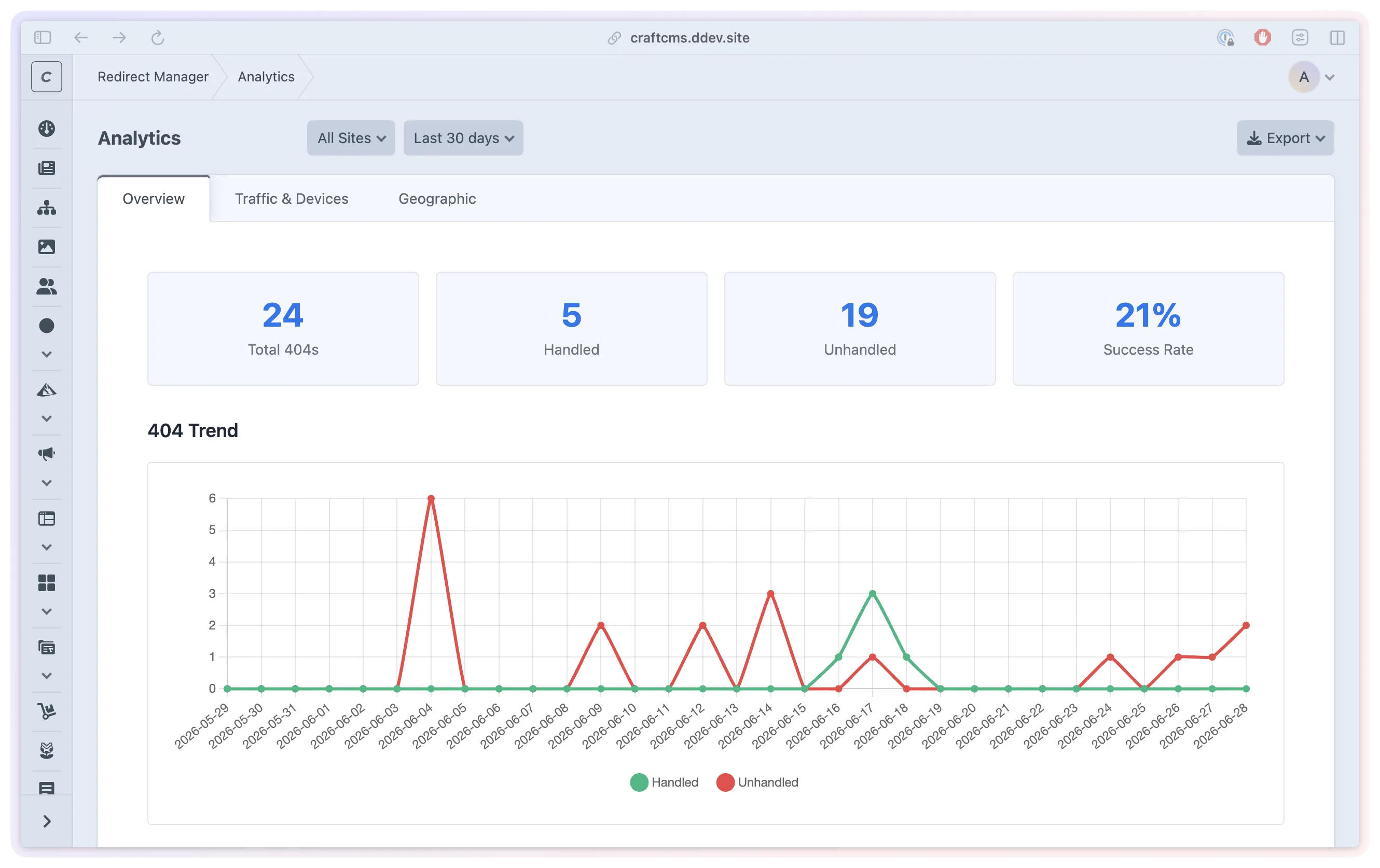
Find broken URLs and see whether a redirect handled them. 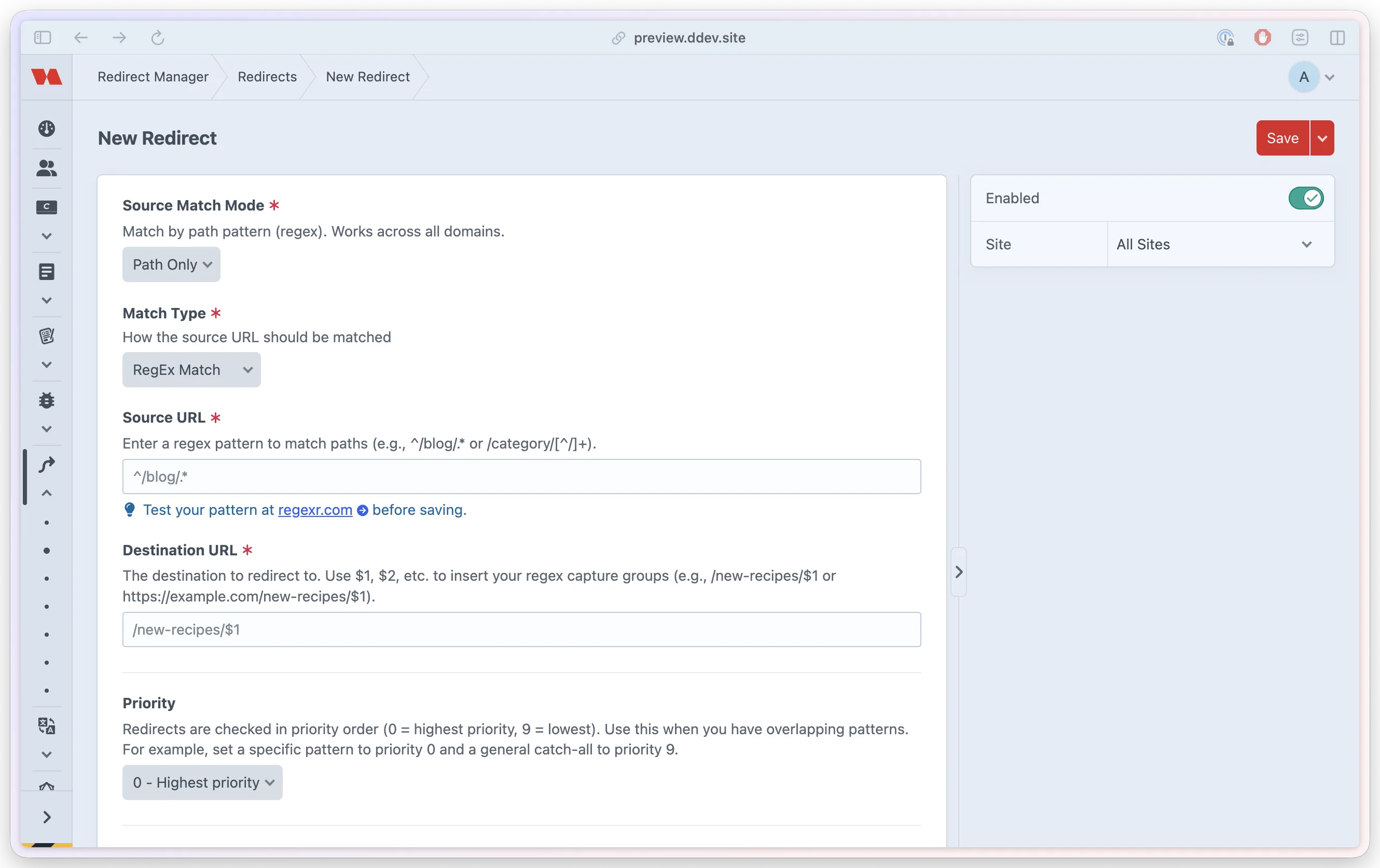
Choose the old address, destination and matching rule. 
Review redirects created when entry URLs change. 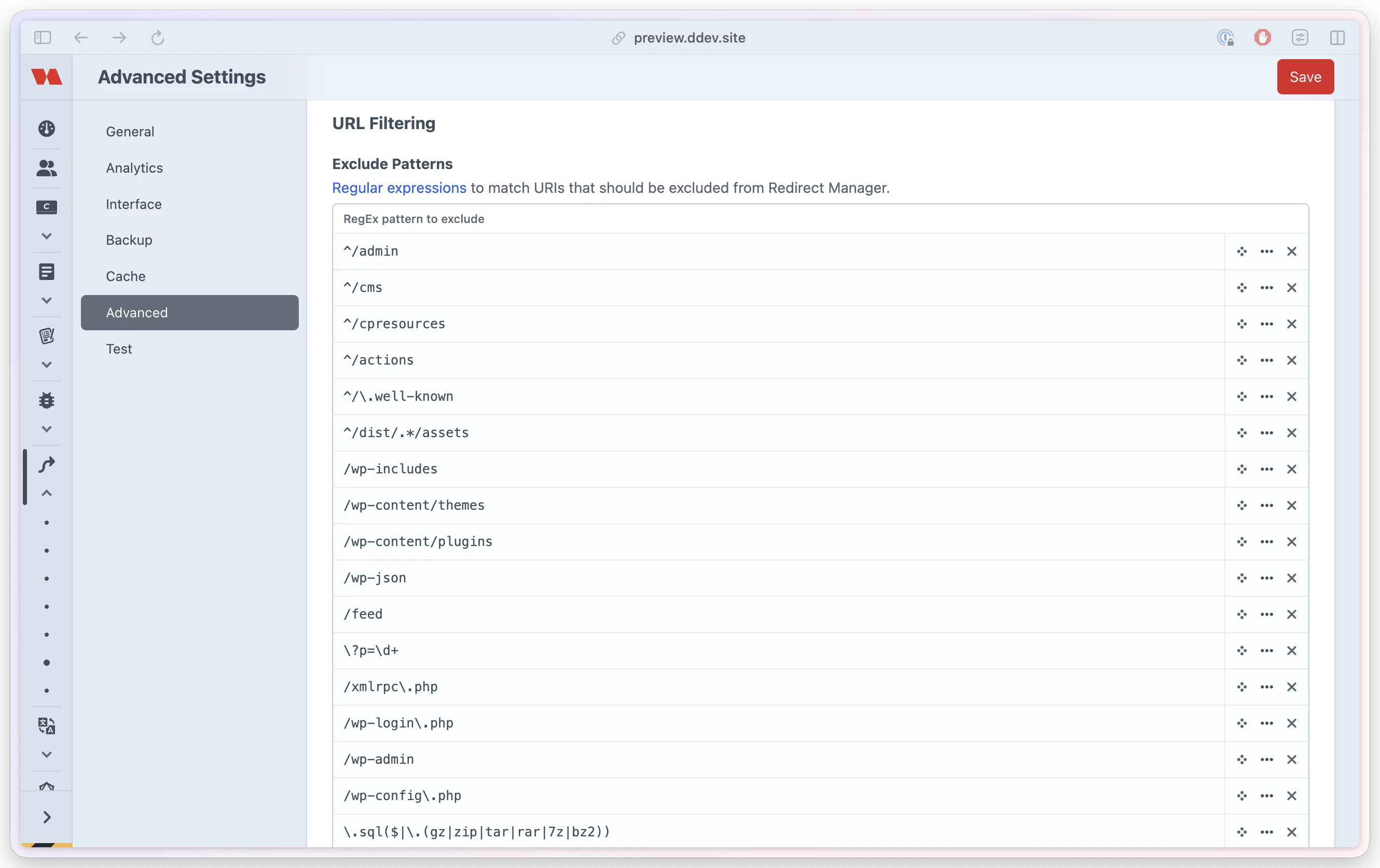
Choose which system and scanner URLs to ignore. 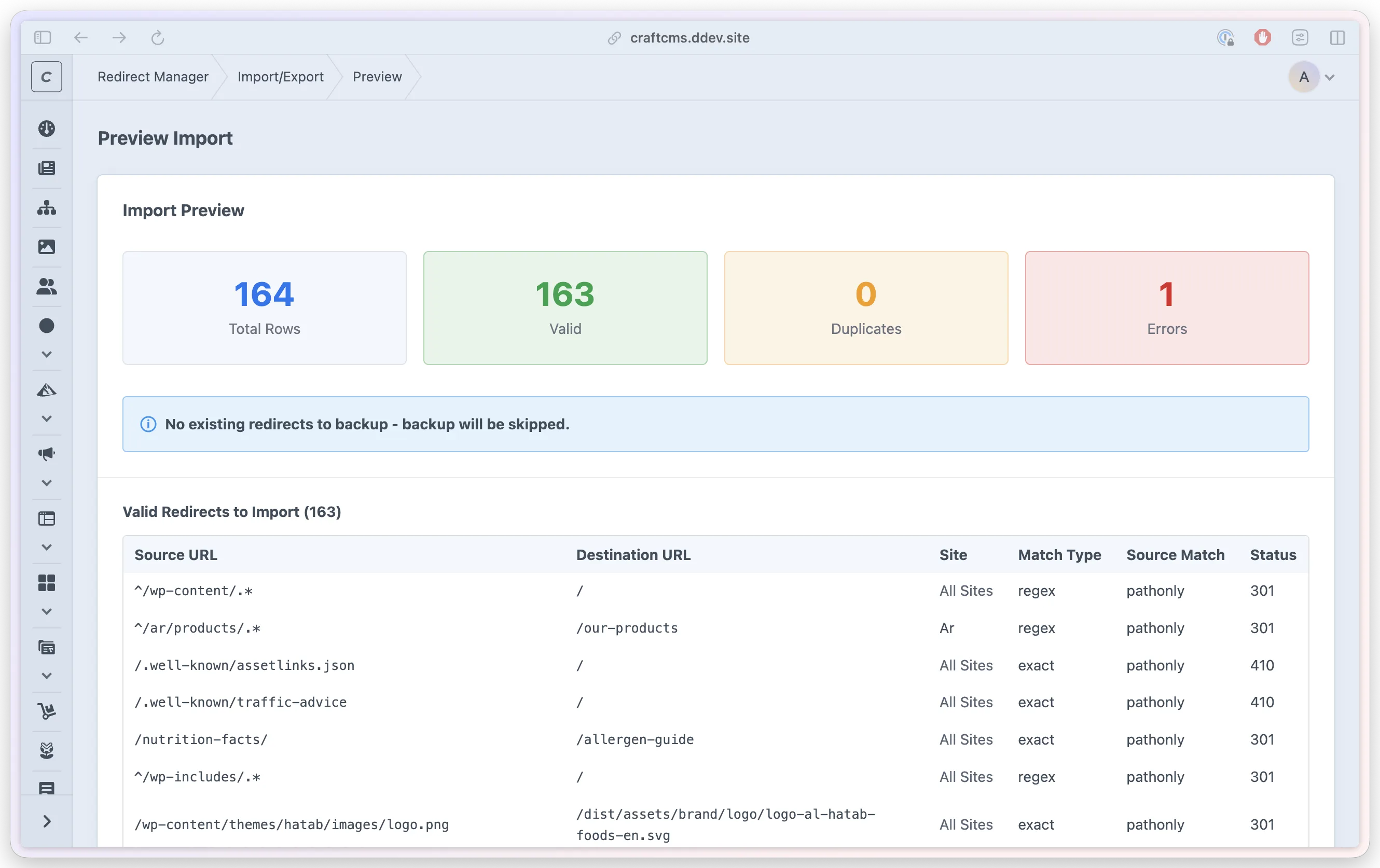
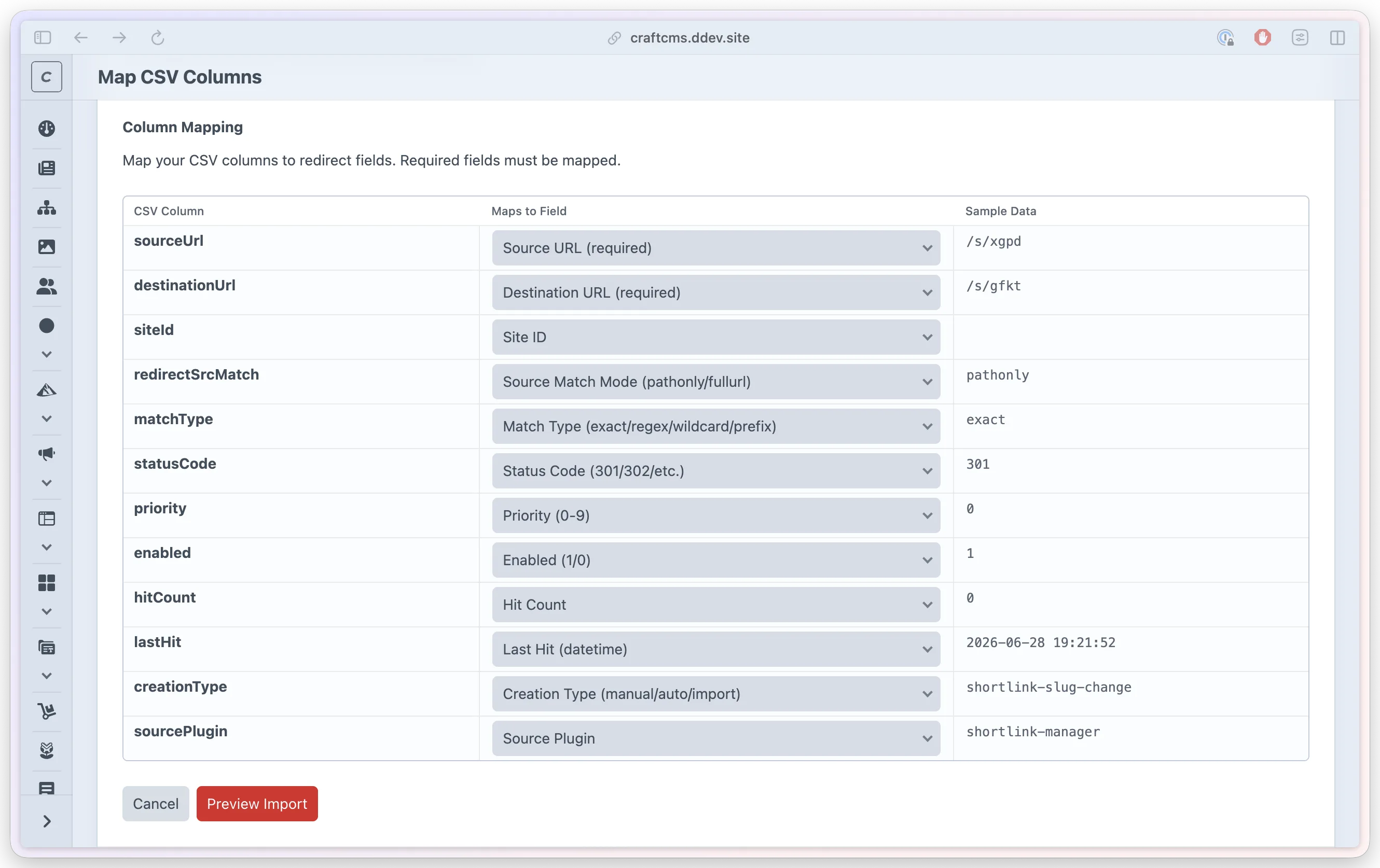
Review valid rows, duplicates and errors before importing. 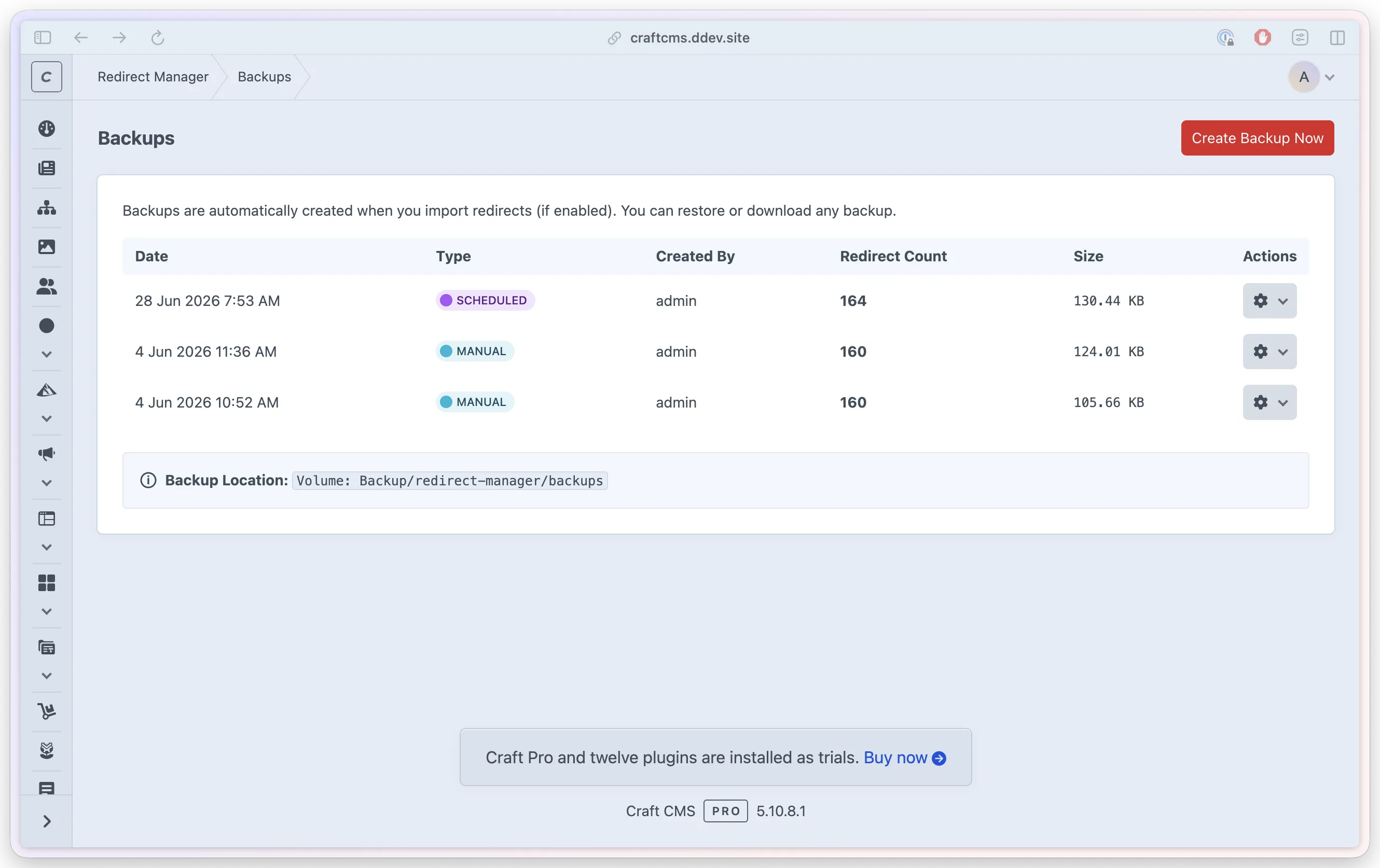
Manage saved backups and restore a previous set of rules. 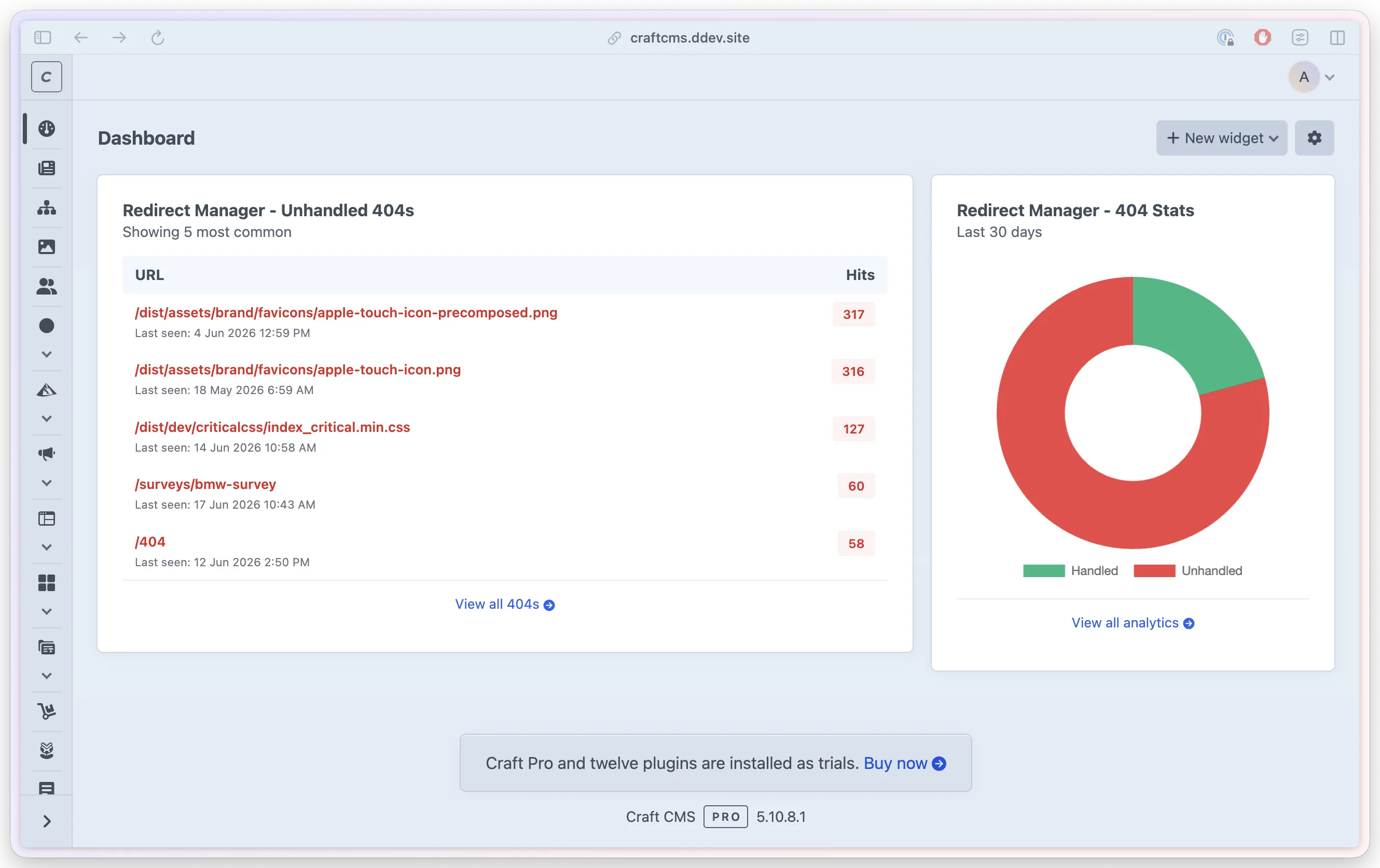
Follow redirect activity from Craft's dashboard.
- Role
- Design, architecture and engineering
- Stack
- Craft CMS 5.10+
- PHP 8.2+
- MySQL, PostgreSQL
- Status
- On the Plugin Store
- Since
- 2025 to present
- Redirects Keep old links working when content moves.
- Monitoring Find broken links that need attention.
- Recovery Preview imports and restore saved rules.
02The problem
A new site still has old links pointing to it.
Bookmarks, search results and links in emails can outlast the pages they lead to. When content moves, visitors may reach a 404 page instead of the information they expected. During a migration, that can mean hundreds of old addresses to account for.
Teams need a way to keep those links useful, discover the ones they missed and manage changes over time. Redirect Manager brings that work into Craft's Control Panel, alongside the content it supports.
03Keeping links working
Give an old address a useful next step.
A redirect connects an old address to a new destination. Redirect Manager checks its rules when Craft would otherwise return a 404. Working pages continue to resolve normally.
For a single page, an exact match is enough. Wildcard and prefix rules can cover a whole section, while regular expressions give developers more precise control. Rules can apply to one Craft site or across all sites, with priorities for overlapping matches. A built-in tester shows which rules match an address and where they lead.
When an editor changes an existing entry's URL, the plugin can create a permanent redirect automatically. This is enabled by default. If the editor changes it back within the configured undo window, the plugin removes the earlier redirect to avoid creating a loop.
Rule /blog/* → /news/$1 Old link /blog/studio-updateDestination /news/studio-update
Teams can choose permanent or temporary redirects. For content that has been removed without a replacement, a 410 Gone response makes that explicit. The plugin also checks for redirect loops and unsafe destinations before sending a visitor on.
04Finding broken links
See what needs fixing, then act on it.
The dashboard shows common broken URLs, recent requests and whether a redirect handled them. Hit counts help teams decide where to start. When available, the referring page helps explain how someone reached a broken link. A Create Redirect action opens a form with the old address filled in, ready for the team to choose a destination.
Detected bots, system requests and security probes have their own labels, helping teams distinguish them from likely visitor traffic. Optional filter presets exclude common scanner and system URLs from both redirect handling and analytics. Teams can review those exclusions to suit their site.
Analytics stores a salted hash in place of the visitor's IP address, with optional masking before hashing and configurable data retention. Location detection is off by default. These settings let teams decide how much information they need for ongoing maintenance.
05Campaign links
Keep the details that travel with a link.
A link from an email campaign might include ?utm_source=email. Those extra parameters can matter for reporting, even when the page itself has moved.
Redirect Manager lets teams decide whether parameters affect matching, whether they carry through to the destination and whether variations of the same URL are grouped in analytics. For a campaign, the settings can let the old page match regardless of tracking parameters, pass them to the new page and group its broken-link counts together.
06Imports and backups
Review a large change before it goes live.
For a migration, teams can import up to 4,000 redirects from a CSV file at a time. The guided flow separates uploading, matching columns, reviewing rows and importing. The preview highlights duplicates and invalid entries, and the import history records the results.
Backups before import are enabled by default. When selected, the import stops if a required backup of existing redirects cannot be completed. Teams can also create backups manually or set a daily, weekly or monthly schedule, with storage on a protected local path or a Craft asset volume.
Restoring a backup replaces the current redirect library. Before doing so, the plugin validates the saved files and makes a safety copy of any existing rules. If that copy fails, the restore stops before replacing them.
07For developers
Use the same rules beyond Craft's pages.
When a site's frontend runs separately from Craft, it can use GraphQL to look up a redirect for a missing route. Craft returns the destination and response code, using the same matching checks and recording the activity. Editors continue to manage the rules in the Control Panel.
A separate JSON API lets build scripts and backend services fetch enabled rules. It is read-only, requires a token and is off by default. Other plugins can also use a shared PHP trait to look up redirects, create rules and handle URL changes.
With Logging Library installed in Craft, the team can inspect Redirect Manager's available log files from its own Logs section. This gives developers a familiar place to investigate failed imports, backups and other issues, with detail controlled by the configured log level.
08Day-to-day use
Built for the people who maintain the site.
The interface follows Craft's familiar lists, forms and permissions. Content teams can manage everyday redirects, while developers handle broader patterns, configuration and integrations. Access to editing rules, importing data, restoring backups and changing settings can be assigned separately.
The product brings those tasks together: notice a broken link, choose a destination, check the rule and keep a record of the change. It supports the initial migration and the smaller content changes that continue long after launch.